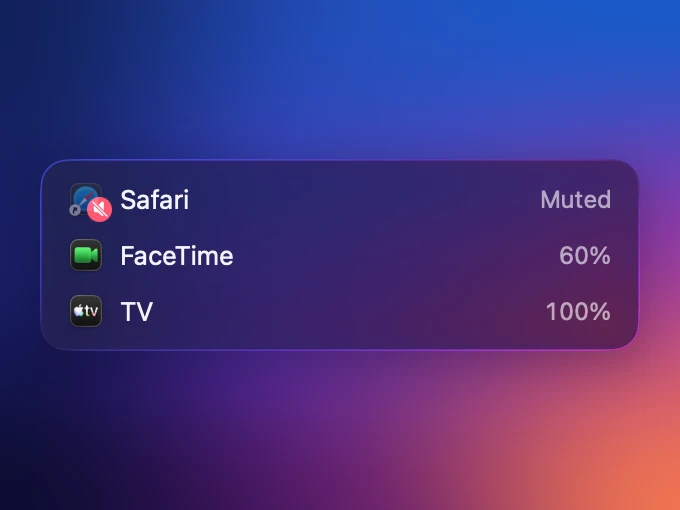
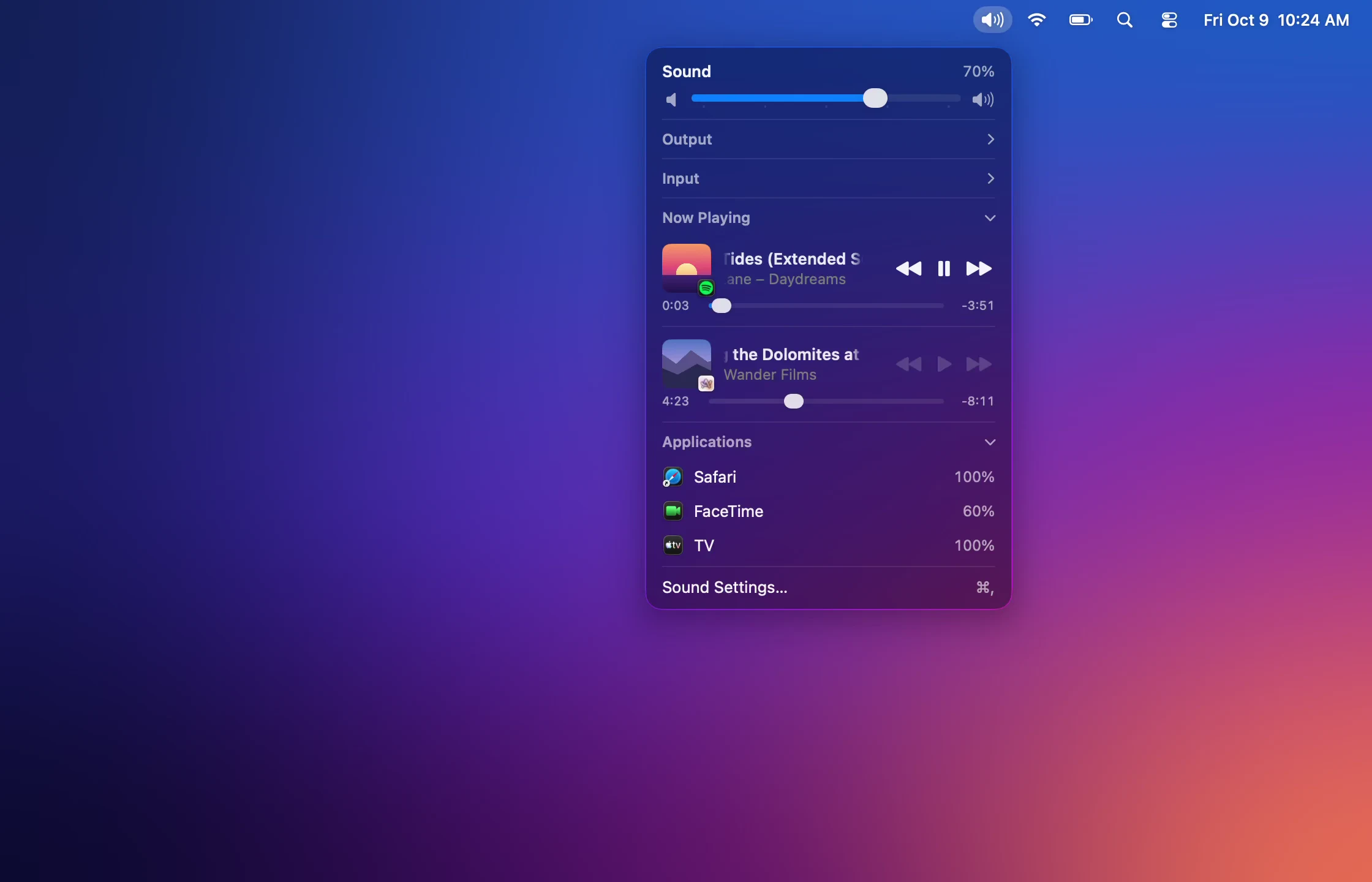
Every app, its own volume.
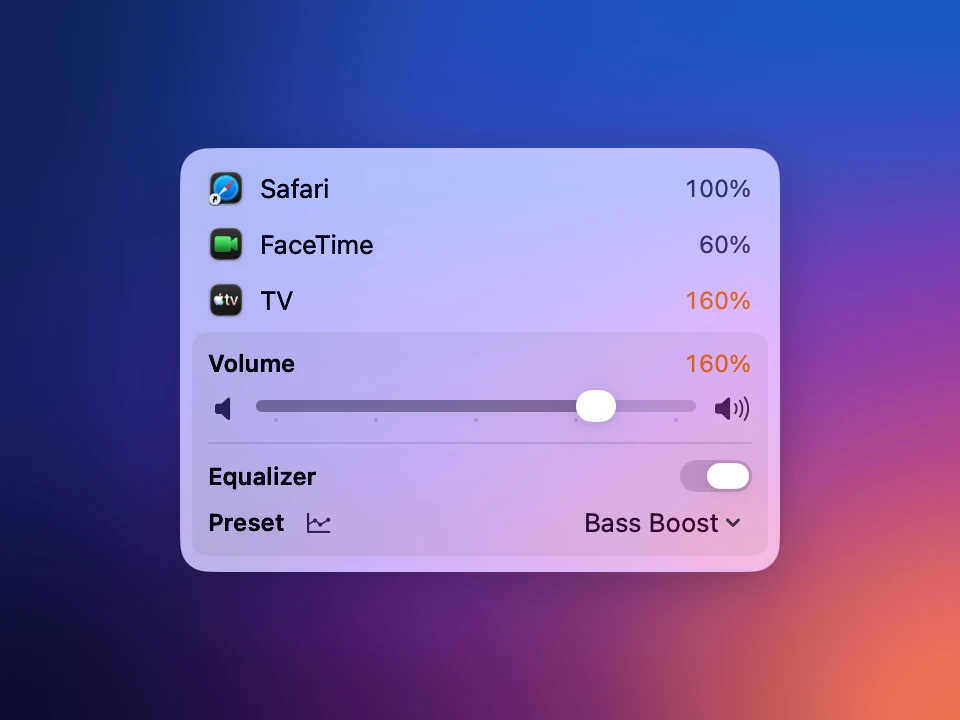
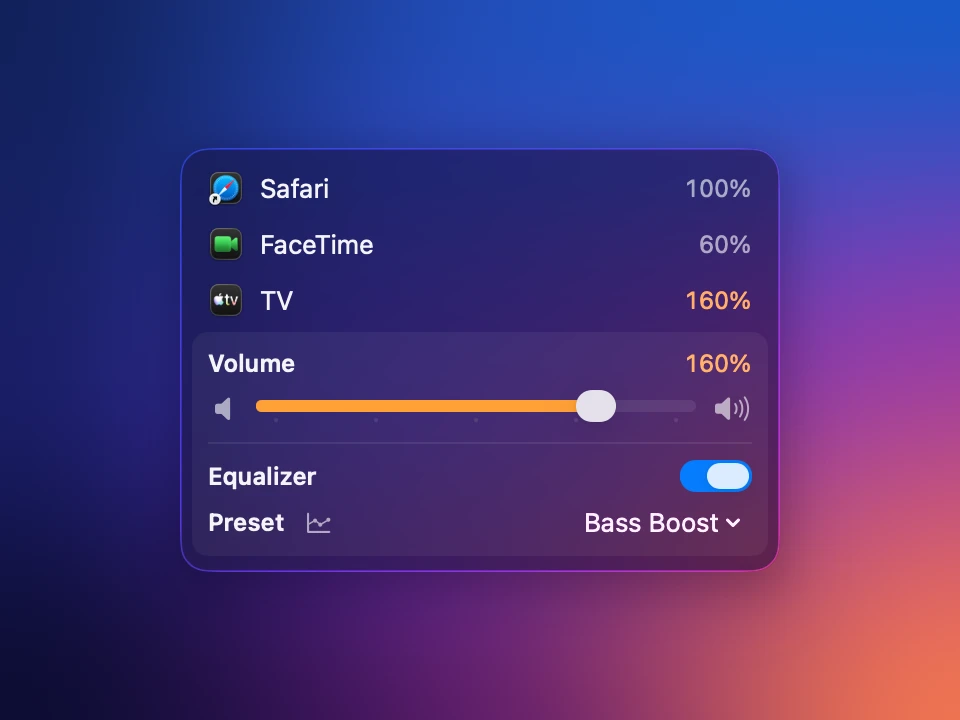
Turn a loud call down, a quiet video up to 200%. Each app remembers its level.
Features
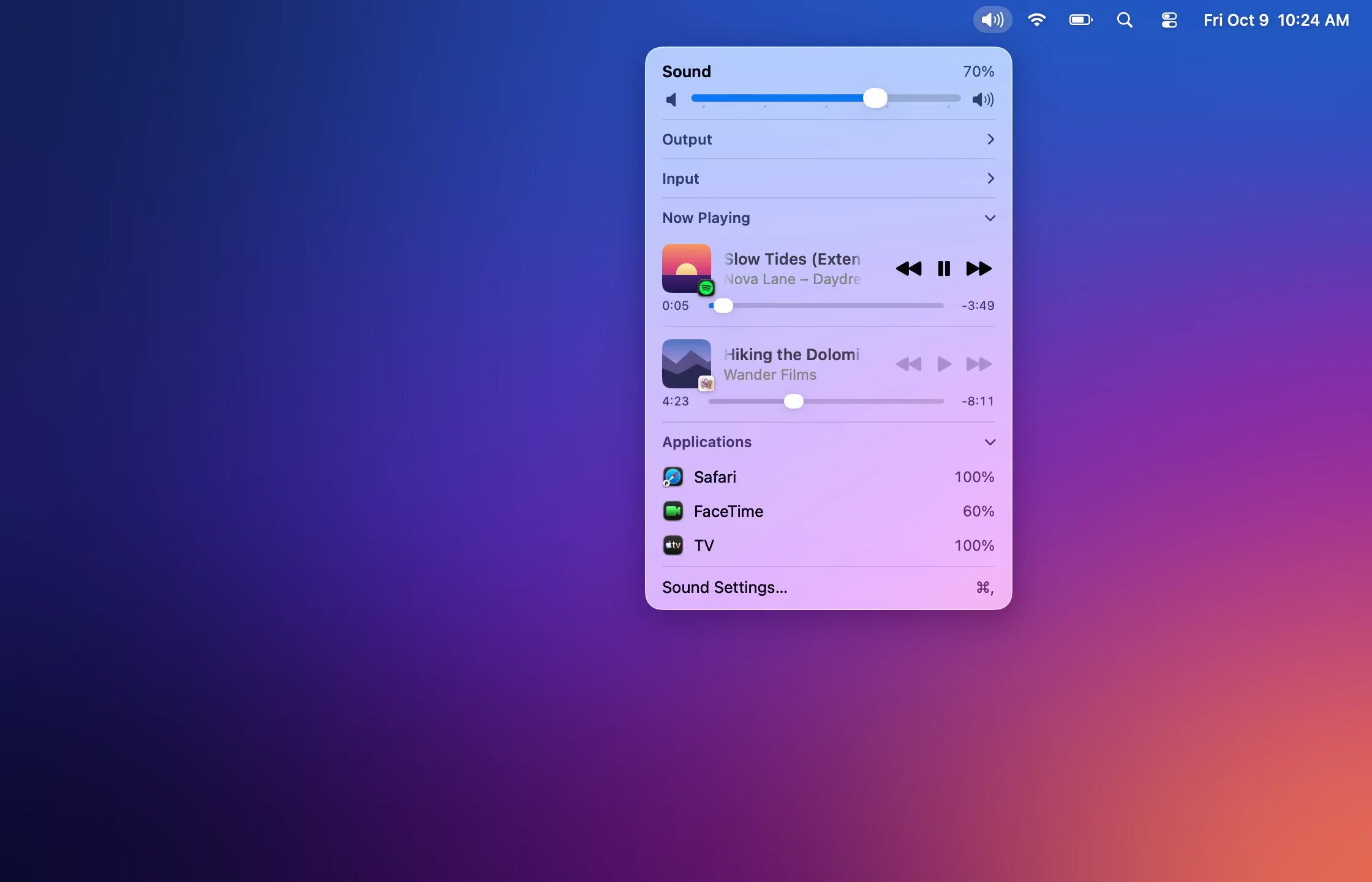
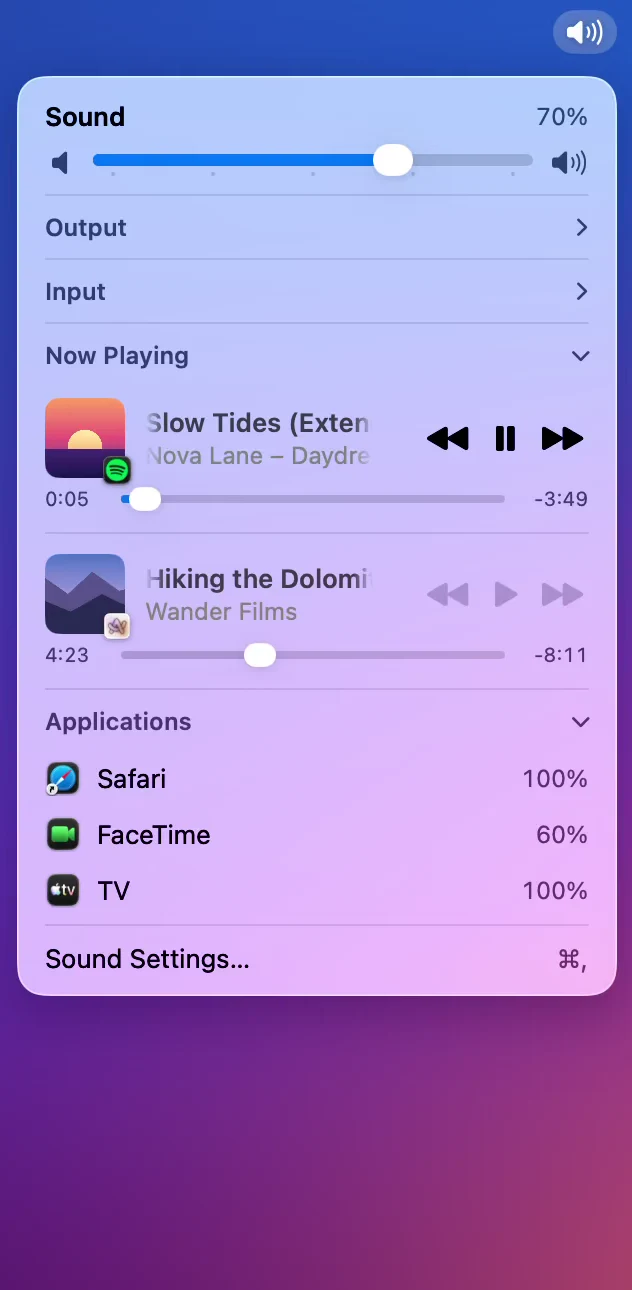
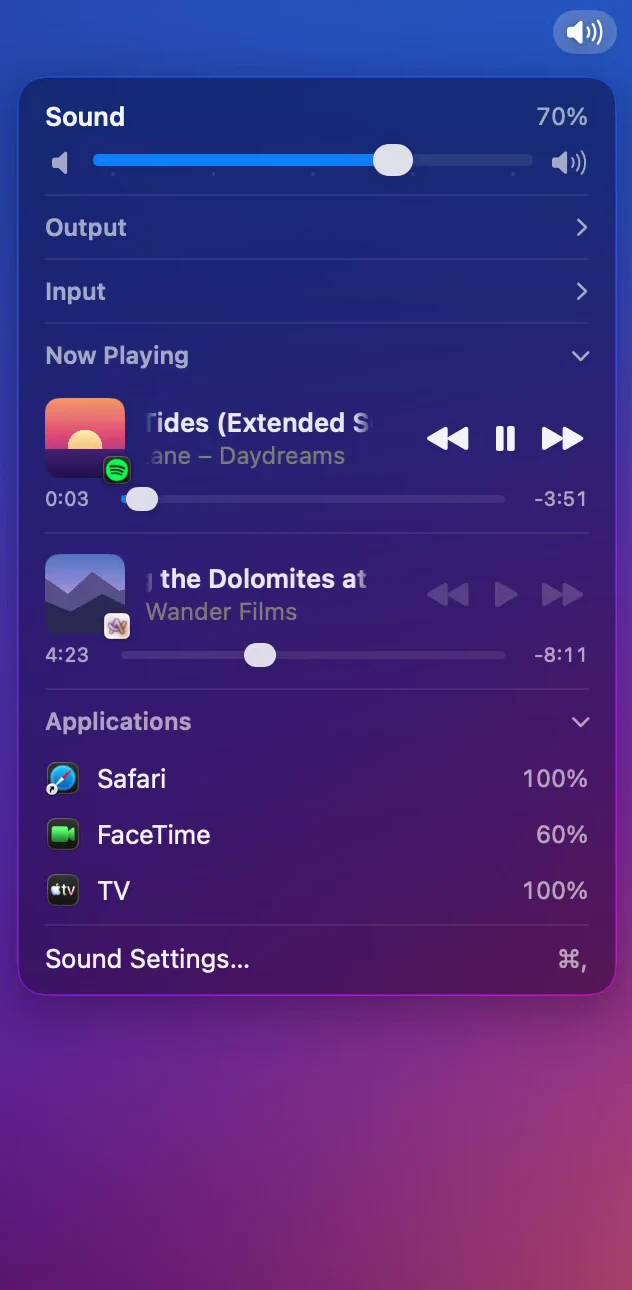
Everything you wish the Sound menu did, in a menu that looks and feels like it belongs on your Mac.
Turn a loud call down, a quiet video up to 200%. Each app remembers its level.
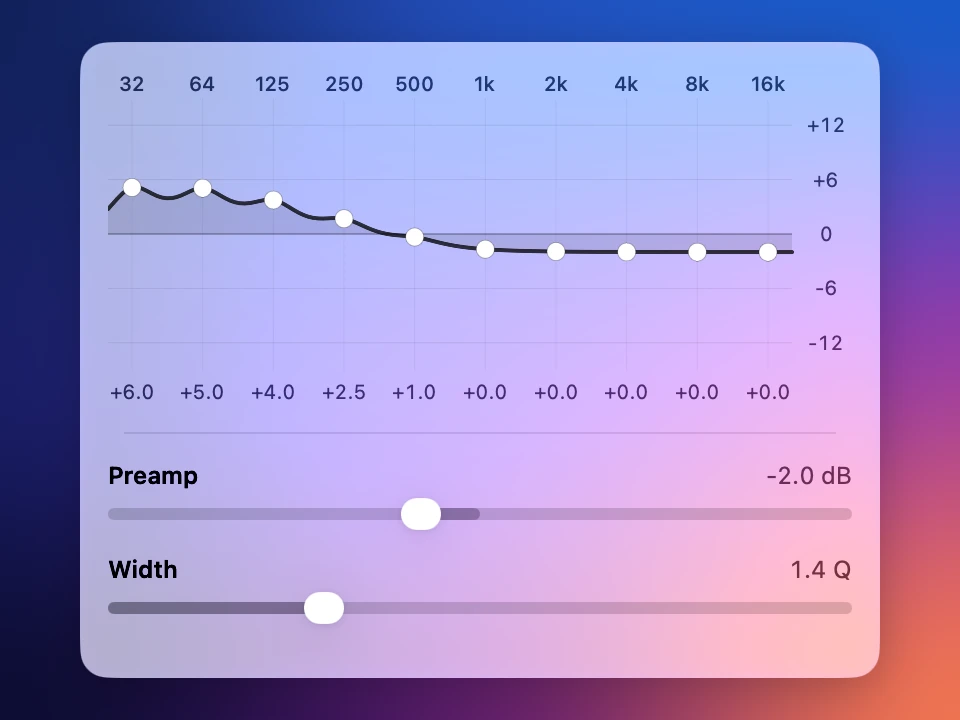
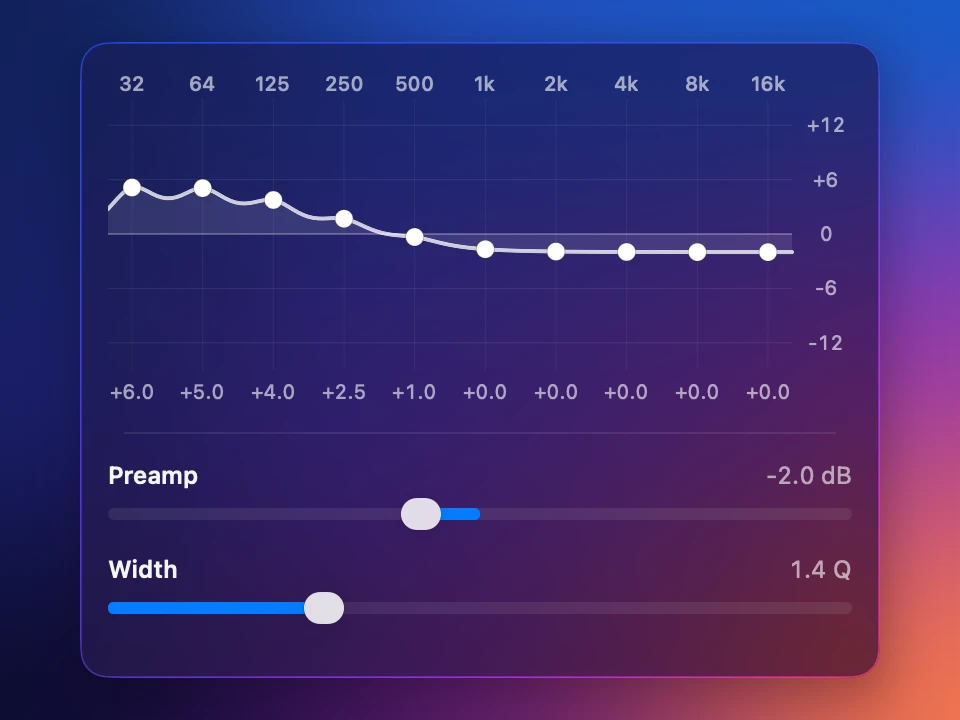
More bass for music, clearer voices for podcasts. Presets, or shape it yourself.
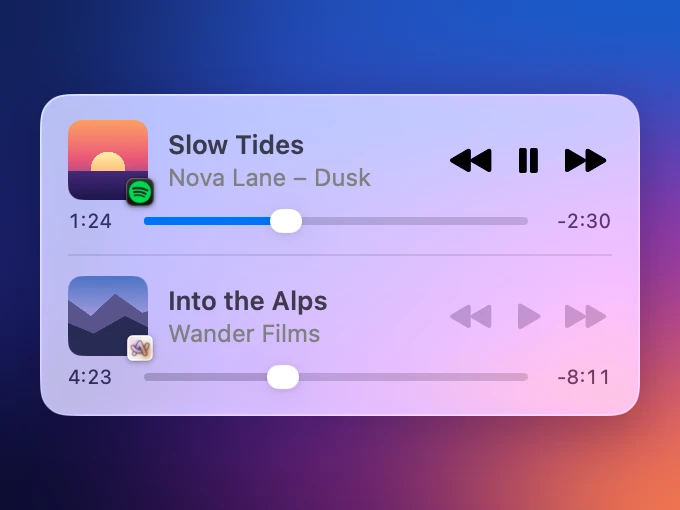
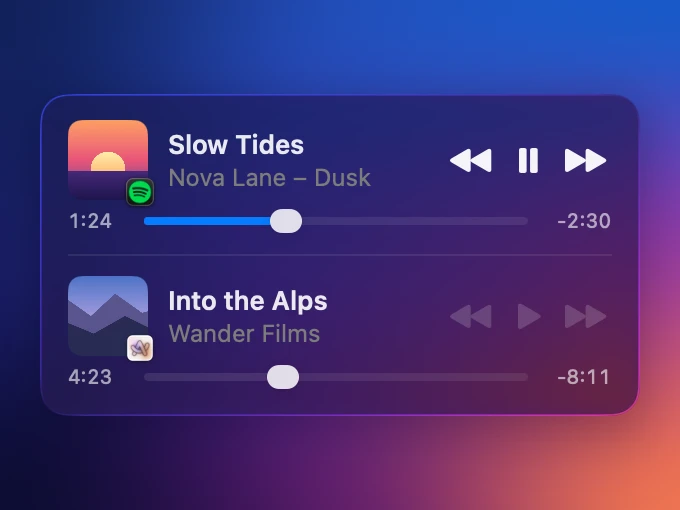
Artwork, play, pause, skip and seek for music and videos and a click on the card sets that app’s own volume.
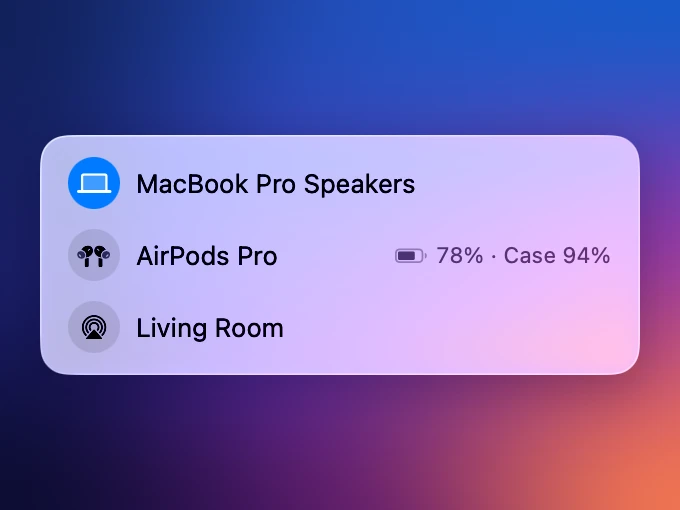
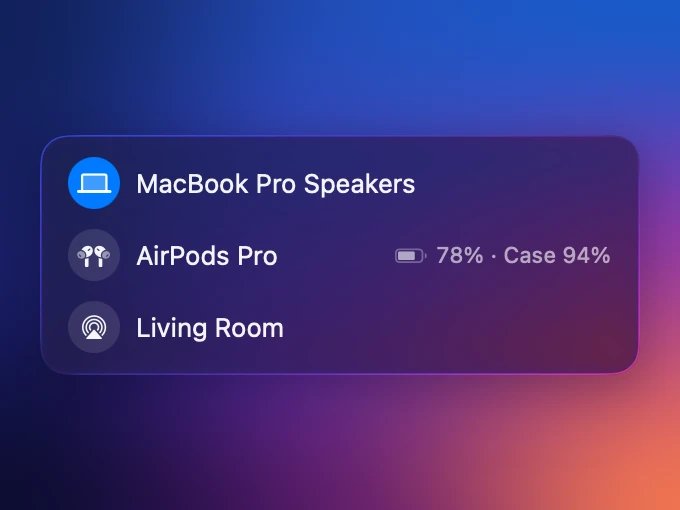
Each bud and the case, right next to your output devices.
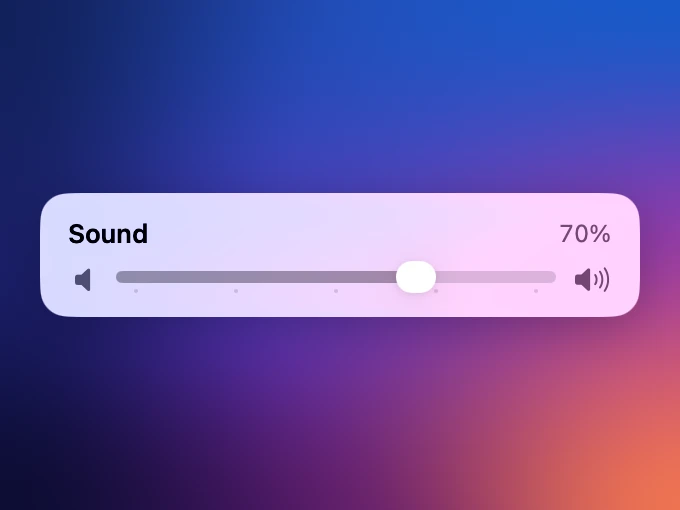
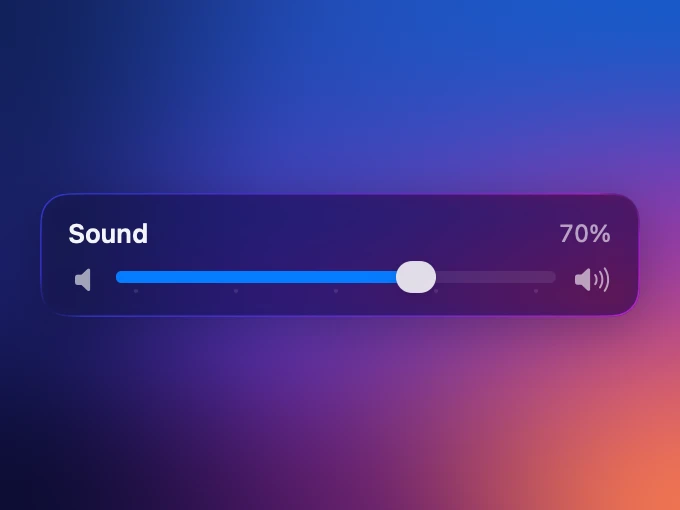
Sliders click into place on your trackpad at 25, 50, 75 and 100%.
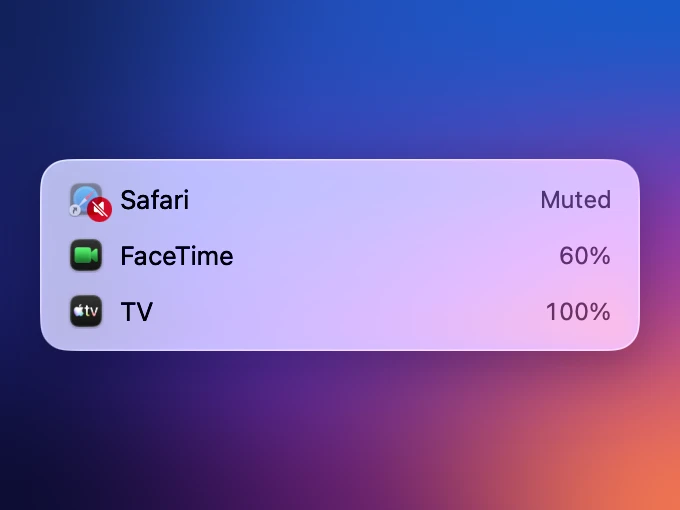
One click on its icon. Its volume is right where you left it when you unmute.

When nothing is playing, SoundMenu uses virtually no CPU or battery.
No drivers, no kernel extensions. If SoundMenu quits, your apps simply play as usual.
Ten bands from 32 Hz to 16 kHz, with presets and a curve you can drag. Deeper bass for music, clearer voices for calls.
Drag any point to shape the sound.
Safety
SoundMenu uses the audio taps built into macOS. Nothing is installed in the system.
If SoundMenu quits or ever crashes every app instantly plays as normal again.
Apps you never adjust are never rerouted, and keep playing exactly as before.
Audio is processed live, in memory. It’s never saved and never leaves your Mac.
FAQ
macOS 15 Sequoia or later